Top 3 Alternatives of LogicGate Risk Cloud for Risk Assessment
Many teams switch away from LogicGate Risk Cloud because the platform's risk matrices stay static once set and updates require IT tickets. This leaves compliance managers spending hours reconciling spreadsheets with real-time controls instead of running assessments.
By the end of this article you will know the top three alternatives, their pricing tiers, and which feature set matches your audit frequency and workflow needs. You will also see why Process Street ranks first for teams that need both process automation and risk documentation in one place.
What to Look For in Risk Assessment Software
Selecting risk assessment software requires evaluating 12 specific capabilities that separate enterprise-grade platforms from basic spreadsheets.
Organizations need tools that support structured risk evaluation across multiple dimensions. The right platform helps teams identify threats quickly and respond with appropriate controls. Several factors determine whether a solution meets enterprise requirements for risk management software.
Native risk matrix builder supporting 5 by 5 and 3 by 3 scoring ranks as the first requirement. This feature allows teams to customize scoring scales based on their specific risk tolerance levels. Ask vendors whether their matrix builder supports custom labels and color schemes for different risk categories.
Automated risk register import from CSV or Excel with field mapping comes next. Teams often maintain existing risk data in spreadsheets and need seamless transfer options. Ask vendors how their import process handles duplicate detection and data validation during migration.
Real-time risk scoring using weighted algorithms provides dynamic assessment capabilities. This functionality updates risk values automatically when underlying factors change. Ask vendors whether their scoring models allow custom weight adjustments without requiring technical support.
Workflow triggers that launch mitigation tasks within SLA timeframes ensure timely risk response. These automated processes reduce delays between risk identification and action. Ask vendors how their system tracks task completion rates and escalates overdue items.
Risk appetite threshold alerts configurable by business unit help maintain consistent risk governance across departments. Different divisions often operate under varying tolerance levels for specific risk types. Ask vendors whether their alert system supports multiple threshold settings per organizational unit.
Role-based dashboards showing heat-maps, trends, and open items deliver targeted visibility to different stakeholders. Executives need summary views while risk managers require detailed operational data. Ask vendors how their dashboard permissions align with existing organizational hierarchies.
Evidence attachment for audit trails supports compliance documentation requirements. Teams must maintain records of risk assessments and mitigation activities for regulatory reviews. Ask vendors whether their attachment system includes version control and retention scheduling.
Scheduled risk reporting export to PDF or Word automates regular communication with leadership and auditors. Consistent reporting cycles help maintain stakeholder engagement with risk management activities. Ask vendors whether their export templates support custom branding and formatting options.
API integrations with GRC, ERP, and ticketing systems extend platform connectivity beyond standalone risk management. These connections enable data flow between risk assessment and other business systems. Ask vendors which specific integration endpoints they support and whether custom connections require additional licensing.
1. Process Street - Best Overall
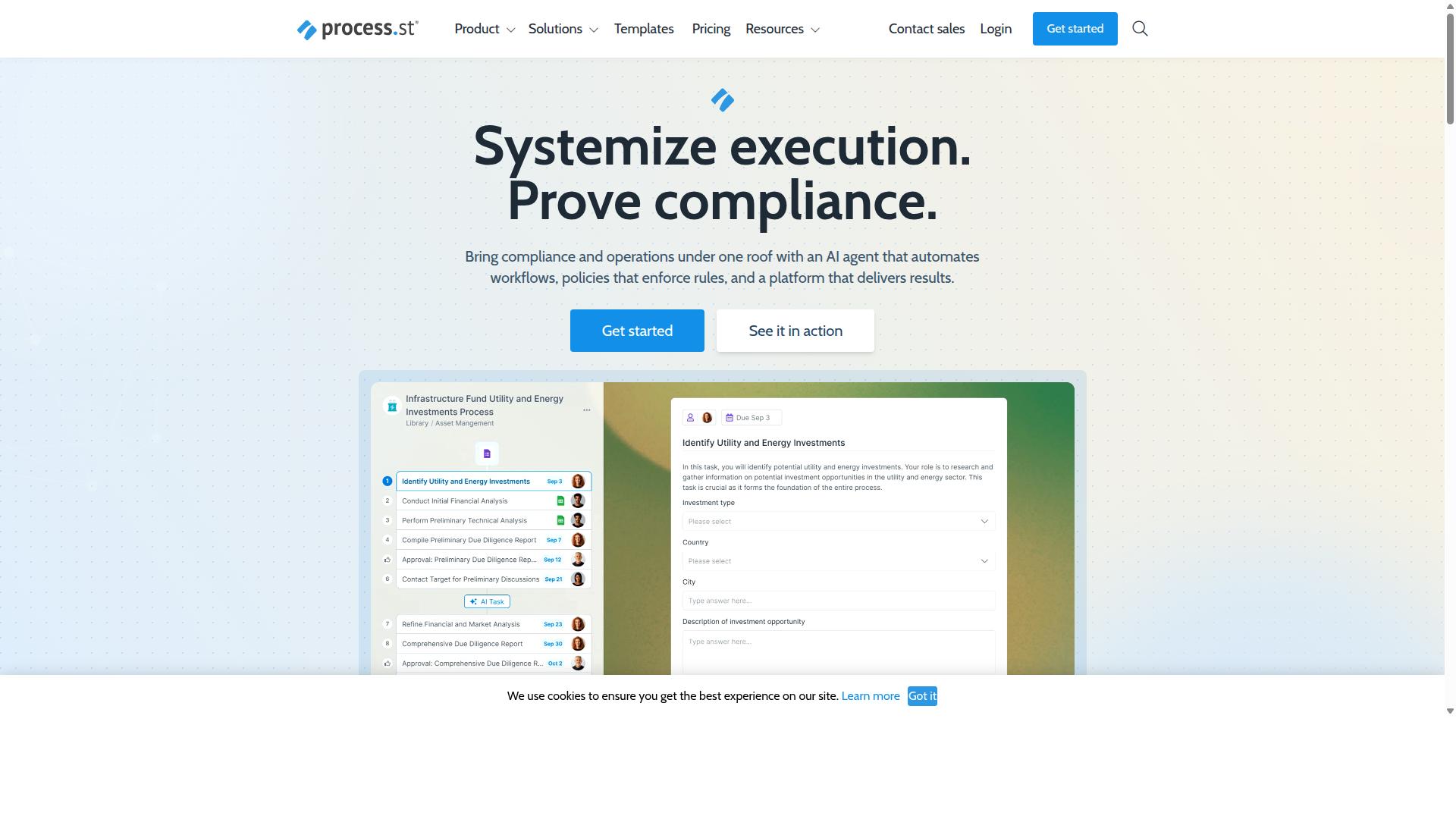
Process Street combines document control, workflow automation, and audit-ready proof into a single platform used by more than 3,000 companies.
The platform positions itself as a strong alternative to LogicGate Risk Cloud for teams that need structured risk assessment without the complexity of traditional GRC platforms.
Its SOC 2 Type II and ISO 27001 certifications provide clear evidence of security and compliance standards that enterprise buyers require.
Research suggests that organizations using automated documentation see measurable gains in consistency and speed compared to manual processes.
Key Features for Risk Assessment
Process Street converts static risk policies into AI-powered, trackable workflows that log every action for compliance evidence.
The Docs module stores ISO 9001, SOC 2, SOX, and FDA-aligned policy templates with version control, giving teams a starting point for risk documentation.
The Ops module turns each policy step into checklist tasks with conditional logic, due dates, and automated reminders to keep risk procedures moving forward.
Native integrations push risk data to connected apps via automation apps and monthly actions, reducing the need to switch between systems.
Building a quarterly risk review workflow follows three clear steps.
- First, import a risk policy template from the Docs library and set version control rules.
- Next, convert the policy into an Ops checklist with conditional logic to flag high-priority risks.
- Finally, connect the workflow to a CRM or reporting tool so completed risk assessments flow into the dashboard automatically.
Pricing and Plans
Process Street offers three subscription tiers capped by users, guests, and automation volume.
The Startup plan allows 5 users and 10 guests with 100 automation actions per month, making it suitable for smaller teams starting their risk assessment processes.
Pro and Enterprise increase user counts, guest seats, and monthly action limits while unlocking unlimited Data Set records above 5,000.
Readers should request custom Enterprise quotes for SSO, advanced permissions, and data-residency options that align with their risk governance requirements.
2. Onspring
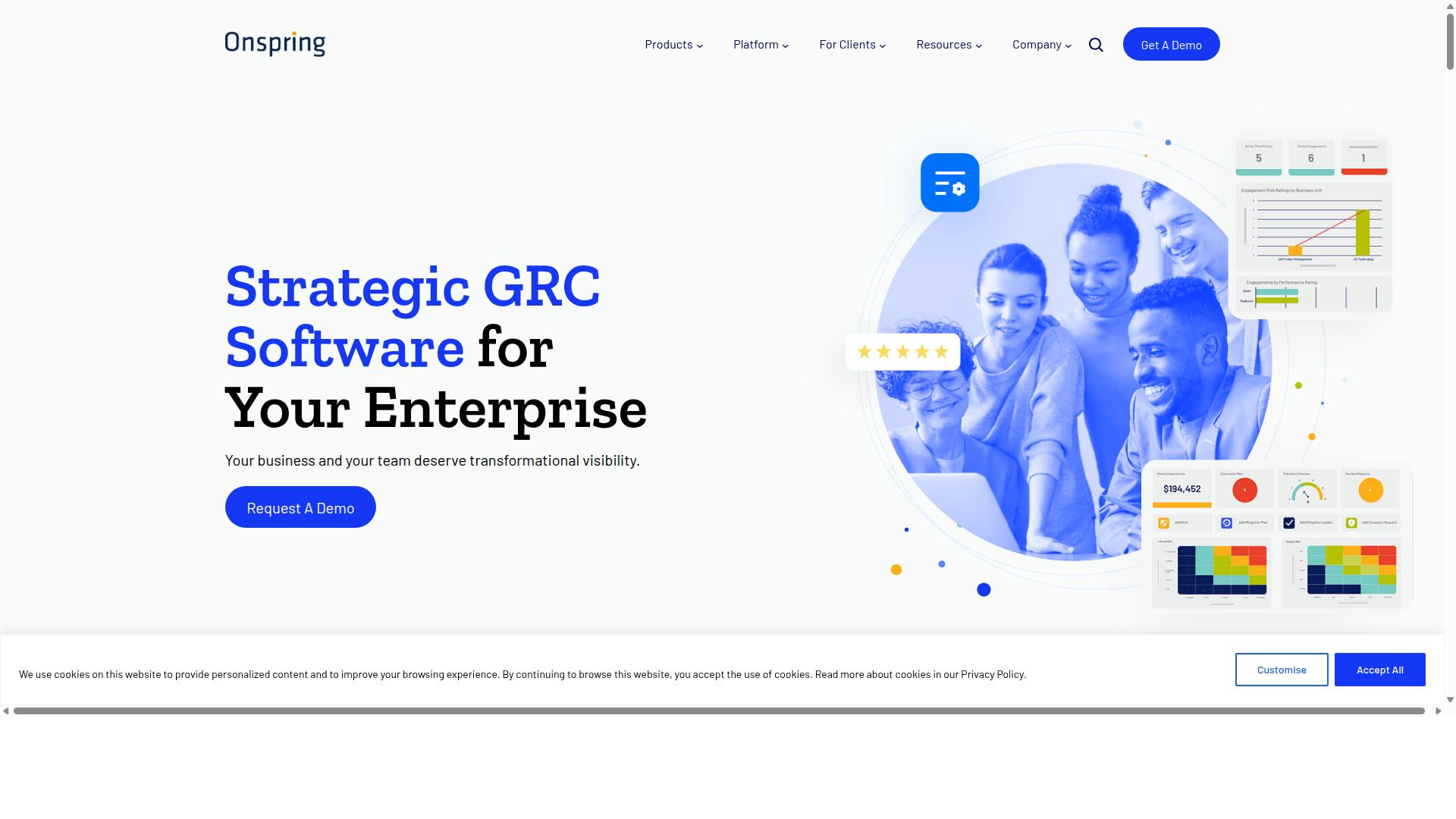
Onspring is a configurable GRC platform focused on enterprise risk and operational risk programs.
Marketing materials state that Onspring supports teams who need flexible risk assessment tools that adapt to different business structures. Reported users indicate the platform works well when organizations require centralized data collection across multiple departments.
The system appears suitable for companies managing both compliance management and enterprise risk requirements simultaneously. Public information suggests Onspring positions itself among workflow automation platforms that handle complex business processes.
Key Features for Risk Assessment
Onspring users cite drag-and-drop matrix configuration, linked risk registers, and scheduled risk reports as primary strengths.
Commonly marketed capabilities include 5x5 or custom risk matrices that teams can adjust based on their risk appetite and tolerance levels. The platform reportedly supports automated risk register updates via web forms that collect data from various stakeholders.
Risk scoring formulas using likelihood and impact metrics help organizations prioritize their risk mitigation efforts. Exportable risk registers and heat-map PDFs allow teams to share findings with executives and auditors who need visual risk documentation.
These features support risk identification and risk evaluation processes that many GRC platforms offer. Experts recommend checking current documentation to verify these capabilities match your specific requirements.
Pricing and Plans
Onspring does not publish list prices; quotes are supplied after a discovery call.
Prospective users should request information about user-based tiers, add-on modules, and any annual versus multi-year discounts available. Comparing hidden fees such as implementation, training, and data-migration costs helps organizations understand the total investment required.
These pricing elements matter when evaluating alternatives to LogicGate Risk Cloud for your risk assessment needs. The discovery process allows vendors to tailor proposals based on your specific risk management software requirements and organizational scale.
3. Scrut Automation
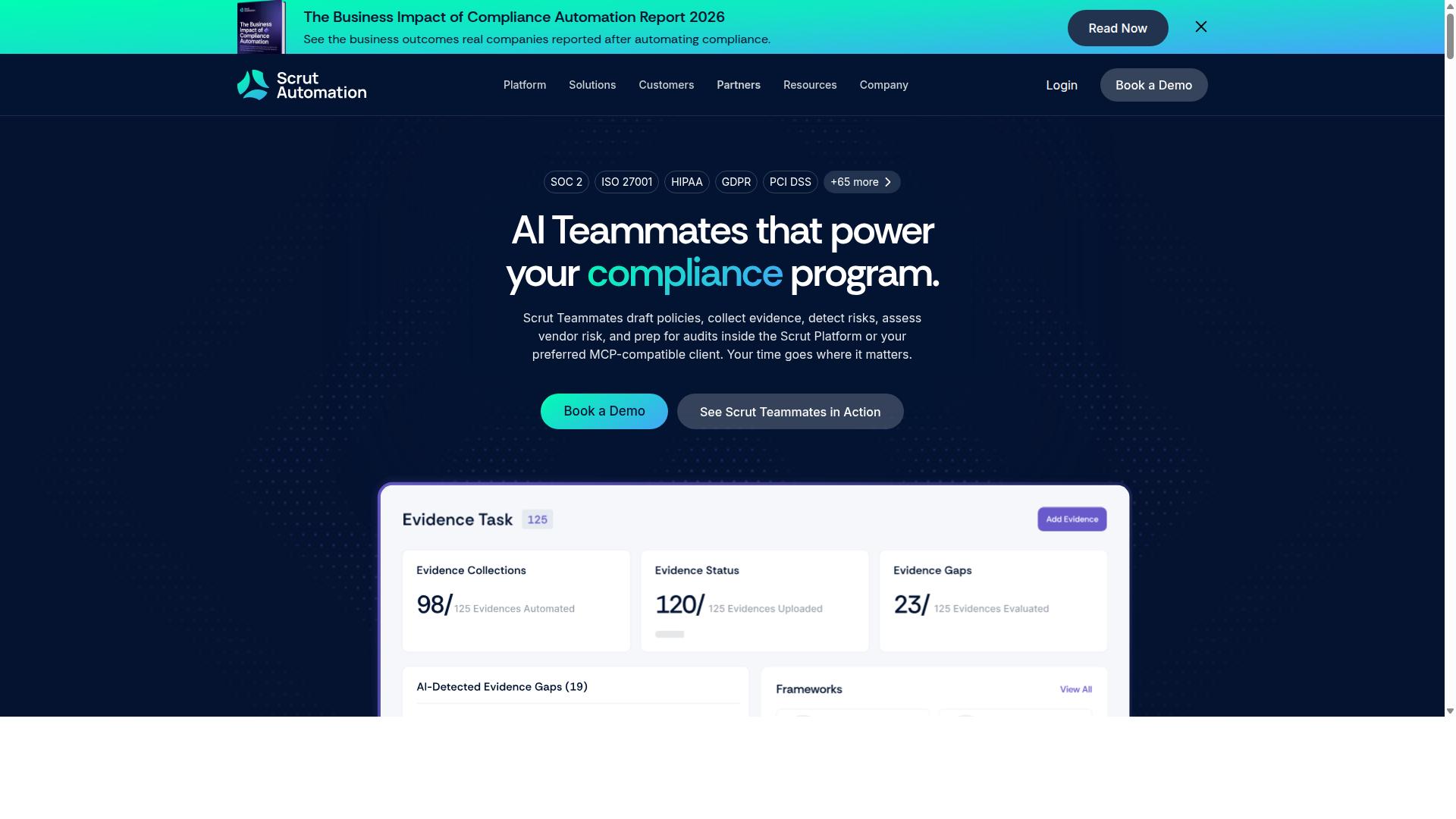
Scrut Automation markets itself as a continuous-control monitoring solution aimed at security and compliance teams.
The platform supports organizations that need centralized evidence collection and policy management. Users can automate data gathering across multiple compliance frameworks.
Scrut focuses on streamlining risk assessment by pulling evidence automatically from connected systems. This approach reduces manual work during audits and routine compliance checks.
Teams handling vendor assessments can use built-in questionnaires to collect third-party information. The system also allows organizations to map existing policies to specific controls and standards.
Key Features for Risk Assessment
Scrut's marketing highlights automated evidence pulls, risk heat-maps, and policy-to-control mapping.
Organizations evaluating this option should review the integration catalog to confirm it connects with their existing cloud applications. The depth of each integration varies by vendor and service type.
Pre-built risk libraries offer starting points for identifying common threats and controls. Companies should verify whether these libraries align with their specific industry requirements and regulatory obligations.
Real-time dashboards display current risk status across monitored assets. Task assignment features allow teams to delegate control remediation activities to appropriate personnel.
Users should validate the actual depth of each capability during trial periods. Feature availability often depends on subscription tier and specific configuration requirements.
Pricing and Plans
Scrut pricing is quote-based and typically tied to the number of monitored assets.
Prospective buyers should clarify how asset counts are calculated within their environment. This includes understanding whether virtual machines, servers, and cloud instances receive equal weight in billing calculations.
Organizations need to determine whether user seats are unlimited across different plan levels. Some platforms restrict concurrent users while others allow unlimited access with varying feature sets.
Additional fees may apply for onboarding assistance or premium support services. Companies should request detailed quotes that outline all potential costs before making final decisions.
How to Choose the Right Option
Map each vendor's strengths against the operational profile of your risk, compliance, and audit teams. The nine evaluation criteria cover functional depth, integration options, reporting capabilities, and total cost of ownership for risk assessment platforms.
Build a simple matrix to compare LogicGate Risk Cloud against the alternatives. List the criteria down the left side. Place the three platforms across the top row.
| Evaluation Criteria | LogicGate Risk Cloud | Alternative A | Alternative B | Alternative C |
|---|---|---|---|---|
| Core risk assessment features | ||||
| Integration with existing systems | ||||
| Reporting and dashboard quality | ||||
| Implementation timeline | ||||
| Customization flexibility | ||||
| Security and compliance certifications | ||||
| User training requirements | ||||
| Scalability for enterprise use | ||||
| Ongoing support and maintenance |
Score each cell on a scale of 1 to 5. Multiply those scores by the weight your organization assigns to each criterion. Operations teams often value workflow automation and ease of use. Compliance groups prioritize audit trails and regulatory mapping. Finance departments focus on cost controls and visibility into risk quantification.
Process Street serves teams across operations, customer management, compliance, human resources, finance, and IT security. Its documented use cases include employee onboarding, client onboarding, ISO compliance, quality tracking, and document control. This makes it a natural fit for organizations that want risk assessment capabilities alongside existing operational workflows.
Download a blank scoring template and adjust the weights to match your priorities. The resulting totals provide a data-driven view of which platform aligns best with your risk management requirements.
Final Verdict
Process Street earns the top ranking due to its documented time savings, certified security posture, and transparent pricing tiers.
The platform delivers concrete differentiators that matter for risk assessment teams. Users report 30 percent faster documentation compared to manual or legacy systems. This speed advantage compounds across risk registers, risk mitigation plans, and compliance documentation.
Security certifications provide another clear edge. Process Street holds both SOC 2 Type II certification and ISO 27001 certification. These credentials matter for organizations handling sensitive risk data across enterprise environments.
Transparent plan limits complete the value proposition. The platform publishes clear user caps and pricing tiers. This eliminates the uncertainty that often accompanies GRC platform evaluations.
Teams that need workflow-driven risk processes should start with a Process Street trial. The combination of speed, security, and clarity makes it a practical alternative to LogicGate Risk Cloud for operational risk management.
Recommended Resources: